I have a couple of ESP32’s that can also be programmed with the Arduino IDE, provided the necessary board manager is installed:

After starting the IDE

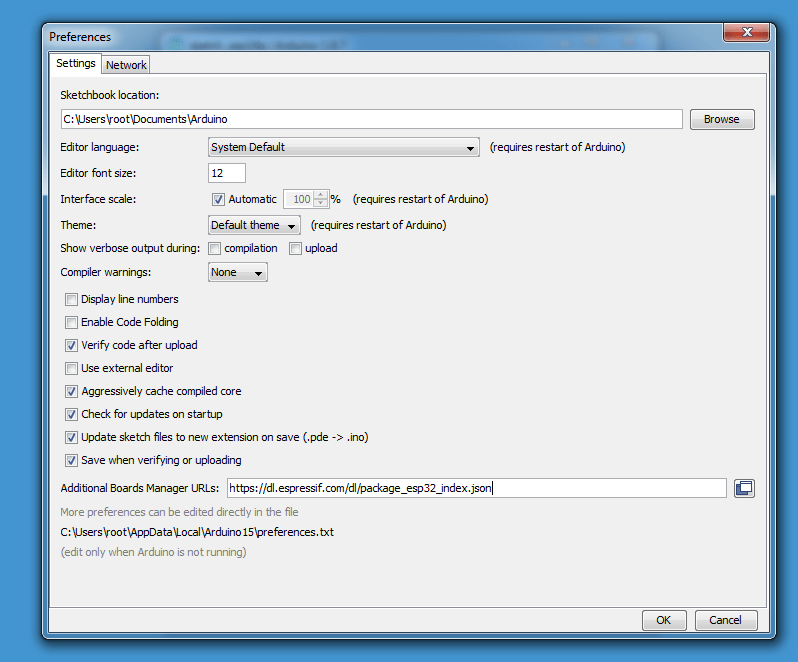
I open the preferences:

And add the board manager URL for the ESP32 (https://dl.espressif.com/dl/package_esp32_index.json):
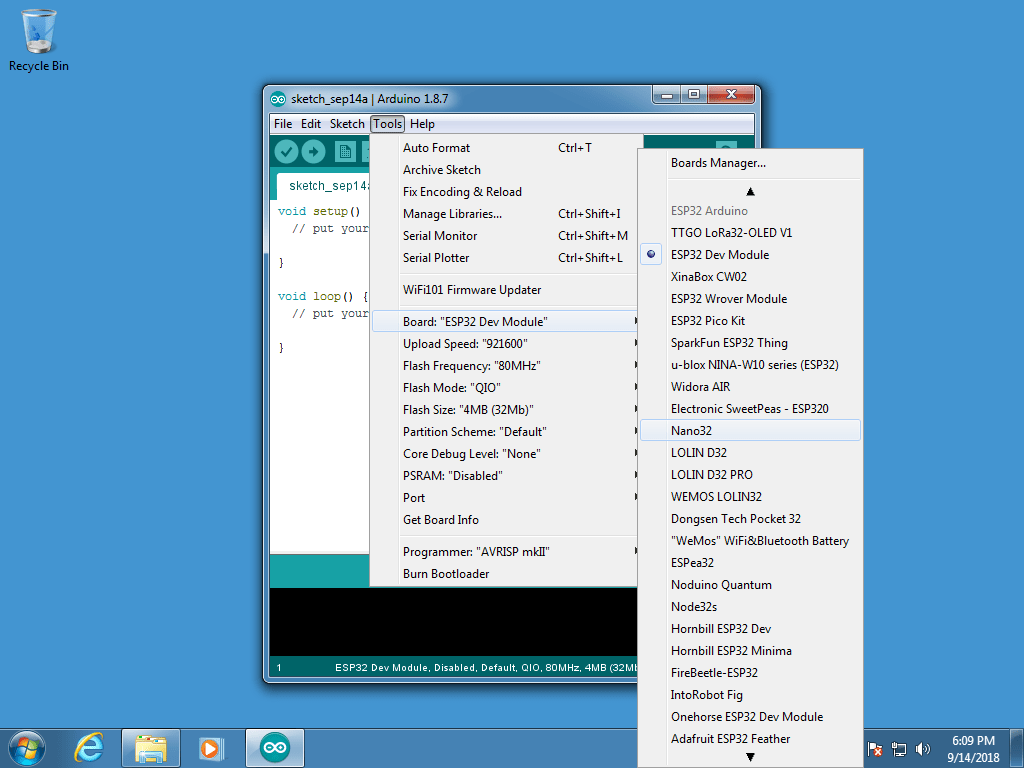
And via the Tools menu I launch the Boards Manager:

And install the ESP32 board manager:

And then I can select the right board (ESP32 Dev Module):
Then I can connect my ESP32 board to my Windows machine, and it will complain about missing drivers:


I install the CP210x drivers:


Then I can select the right port in the Tools menu:

And now everything is ready to program my ESP32. I will start with the WiFiScan example:

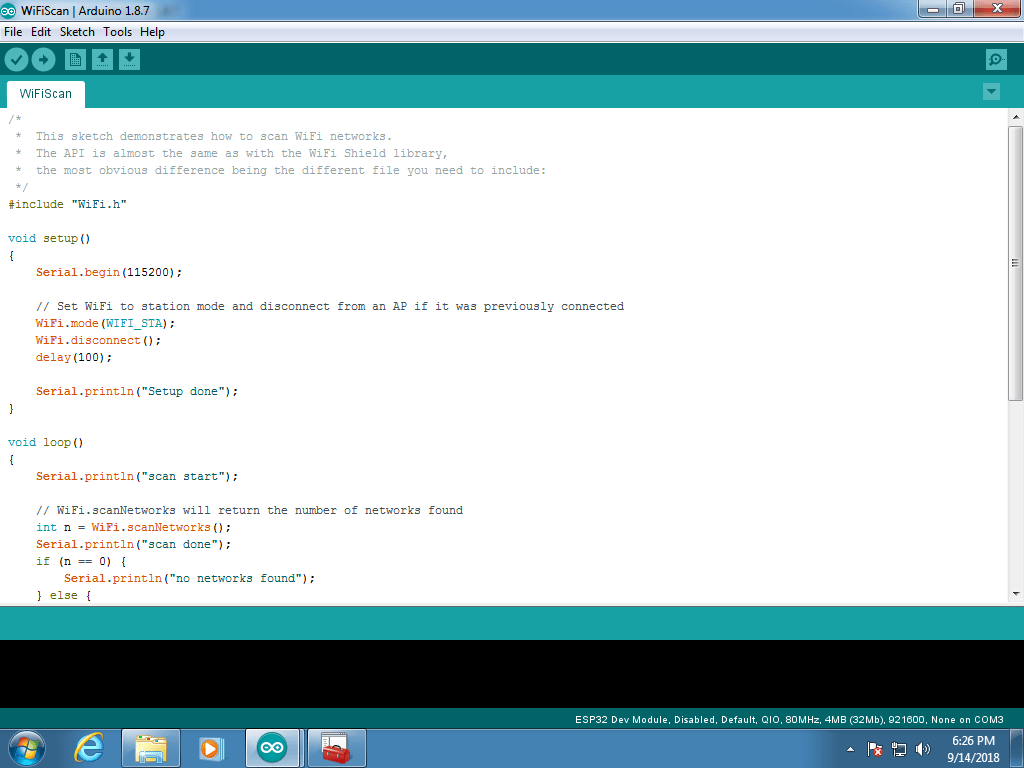
Which can then be compiled and uploaded to the ESP32 board:


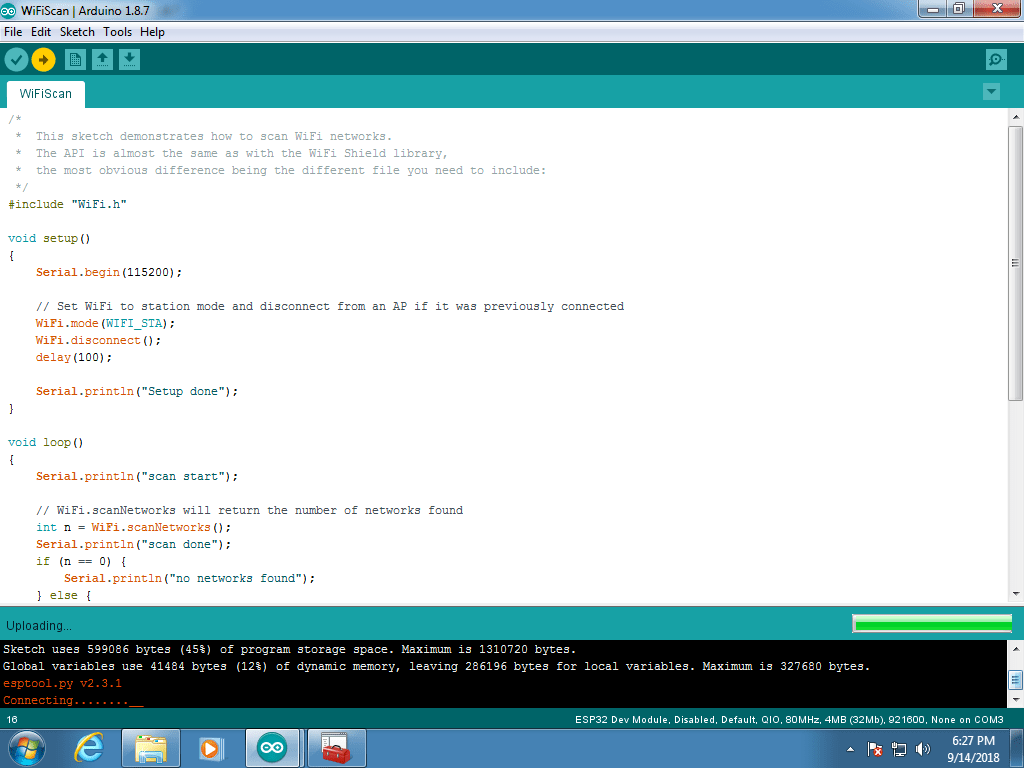

Once it is uploaded and running, I can connect to the ESP32 board via the serial monitor:


 Didier Stevens
[…] Quickpost: Developing for ESP32 with the Arduino IDE […]
Pingback by Overview of Content Published in December | Didier Stevens — Tuesday 1 January 2019 @ 0:01