This is a Python3 stdin fix for re-search.py, my tool to search with regular expressions.
re-search_V0_0_19.zip (http)MD5: 4007A3E5540871221B55591B50E2239B
SHA256: 263236ABE75B93F1F999474D690A9EB2575EBE42CED8F369FF98B349A5116D11
This is a Python3 stdin fix for re-search.py, my tool to search with regular expressions.
re-search_V0_0_19.zip (http)This new version of 1768.py brings option -H to include file hashes, introduces shellcode type detection and has updated statistics.

This new version of cut-bytes.py adds access to the read data for Python expressions in prefix and suffix options.
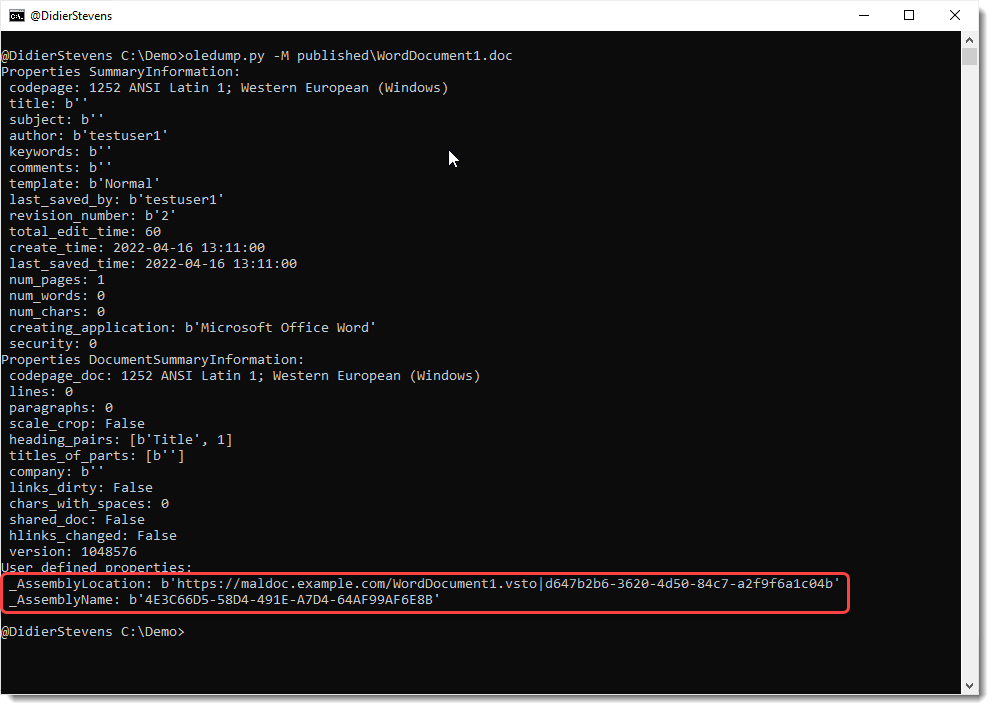
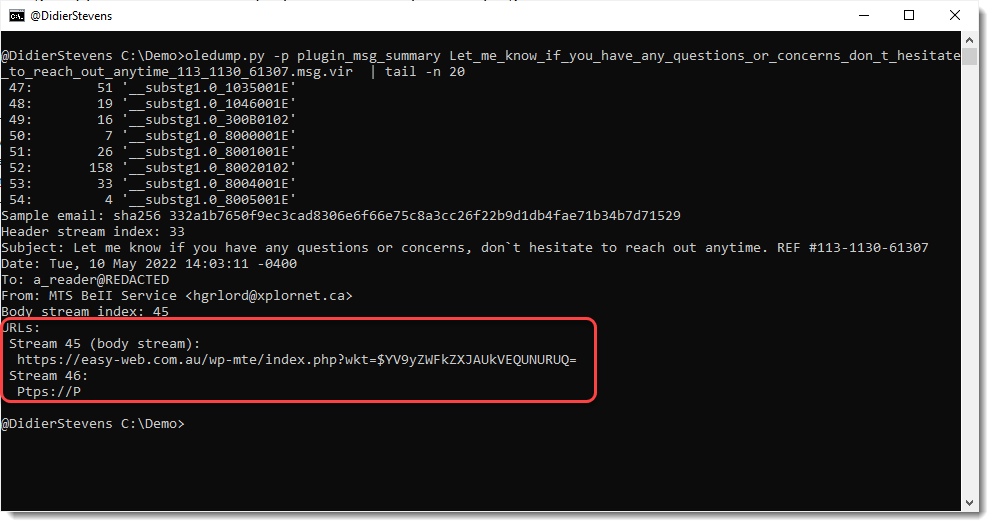
cut-bytes_V0_0_14.zip (http)This new version of oledump brings option -u. This option is used to look for data past the end of the streams.
oledump_V0_0_64.zip (http)I included a new Cobalt Strike 4.5 private key in this released, shared with me by a user.
Further, ZIP files with AES encryption are supported. And a few other bug fixes
1768_v0_0_12b.zip (https)This is a bug fix update for oledump.py.
It fixes a bug that occurred when you calculated the hash of decompressed VBA code:

This new version of jpegdump.py adds option -E to display extra info for each segment.
This extra data is a hash of the segment’s data: md5, sha1, sha256.

This new version brings a new encoding: zxcn
zxcn stands for “zero x comma no-leading zero”, and is very similar to zxc encoding (zero x comma).
Example of zxc: 0x90,0x0A,0x4D,0x5A
Remark the leading zero for value 0x0A (values smaller than 0x10).
With zxcn encoding, there is no leading zero for values smaller than 0x10.
Thus the example for zxcn becomes: 0x90,0xA,0x4D,0x5A
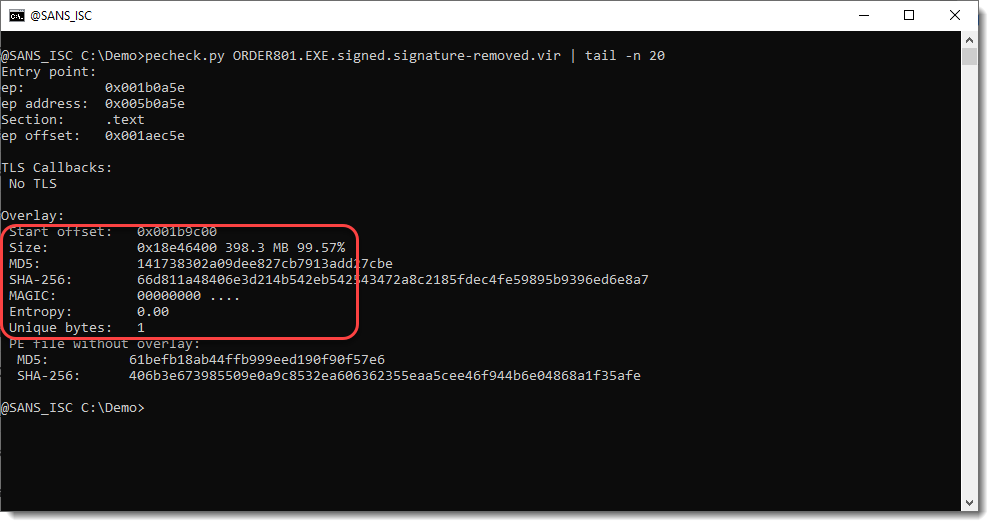
base64dump_V0_0_20.zip (https)This new version of pecheck adds support for dumping files (-D) while using option -l P.
pecheck-v0_7_14.zip (https)This new version brings some options to guide the XOR-key detection algorithm.
The beacon’s AES and HMAC key are contained in writable process memory: my tool cs-extract-key.py can detect these keys. But the beacon can be configured to encode these keys while it is sleeping. This feature is called a sleep mask, and uses a 13-byte long XOR key. The complete writable memory section that contains the beacon process data, like encryption keys, is encoded with this 13-byte long XOR key.
Since writable process memory sections contain a lot of consecutive NULL bytes (0x00), the 13-byte long XOR-key will be present in the encoded process memory (XORing 0x00 with a key gives the key).
My tool will try to detect this XOR-key, but searching for 13-byte long random byte sequences that appear often. It does this by considering all possible 13-byte long sequences as a potential key, and counting how many times each potential key appears. Then it throws away all keys that don’t appear often (less than 100 times) and all keys that do not appear random (for example, keys with more than 3 0x00 bytes).
The most prevalent of these remaining keys, is considered as the most likely XOR key.
The new options that have been added to version 0.0.3, allow to guide this key finding algorithm.
Option –keysize is the XOR key size: the default value is 13.
Option –numberofkeystotry specifies how many keys that are considered to be potential XOR keys. The default value is 10: this means that the 10 most prevalent keys are selected and displayed.
Option –keystotry specifies which keys to try, out of the 10 keys selected. By default, only the first key (most prevalent key) is tried: value 0. But you can provide several keys, as a comma separated list of indices.
A potential XOR-key is selected as a decoding key, if the decoded memory section contains string b’sha256\x00′.
Finally, option -r can be used to let the tool analyze a raw set of data (e.g., the provided file is not parsed as a minidump file, but just taken as raw data).
cs-analyze-processdump_V0_0_3.zip (https)