Here is an overview of content I published in March:
Blog posts:
SANS ISC Diary entries:
Here is an overview of content I published in March:
Blog posts:
SANS ISC Diary entries:
On Windows, CTRL-Z is the end-of-file character for text files.
A friend of mine had the following problem with my tools:

The “Broken pipe” error occurs because 1) zipdump.py -D is dumping the content of all files as binary data and 2) re-search.py is reading this binary data as a text file. Whenever zipdump.py outputs a CTRL-Z character, re-search.py interprets this as end-of-file, terminates, therefor the pipe is closed, and zipdump is left with a broken pipe.
To prevent this, use option -f to make re-search read its input as a binary file:

I like to be able to get work done, regardless of the machine I’m using. That’s why I installed Suricata on Windows to help me develop rules.
Here is the process:
Installing Suricata with default settings:
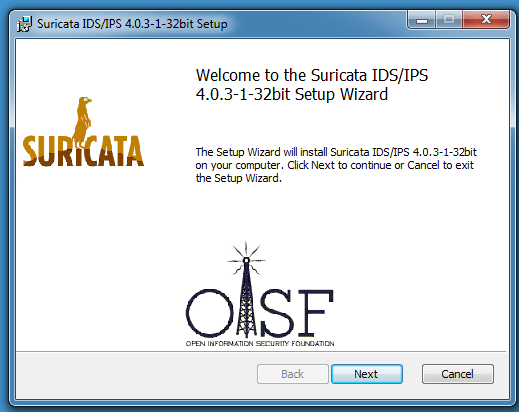
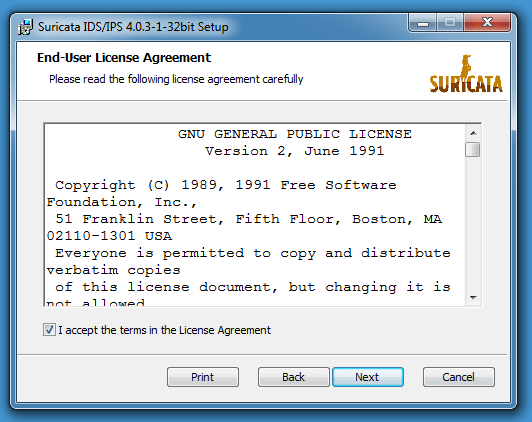
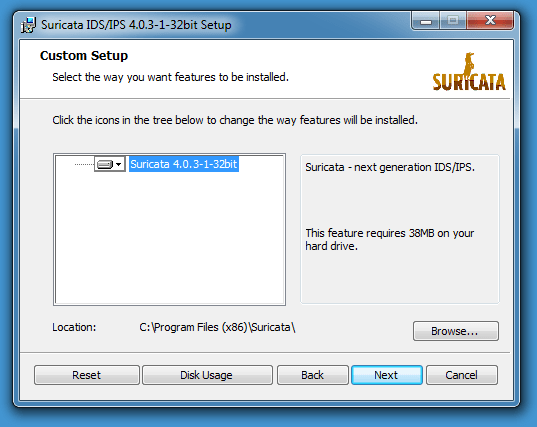


Now that I installed Suricata in the programs folder, I’m going to create a folder with my configurations, rules and test captures. Let’s say that folder is C:\Suricata.
In that folder, I create folders log, rules and projects.

In folder rules, I copy the content of the rules folder in the Suricata programs directory.
threshold.config is an empty file, and suricata.yaml is a copy of suricata.yaml found inside the Suricata programs directory.
You can find the modifications I make to suricata.yaml on GitHub. Of course, you can make more configuration changes, this is just a minimum.
Then, for each project or test, I create a folder in folder projects. Like this mimikatz folder:
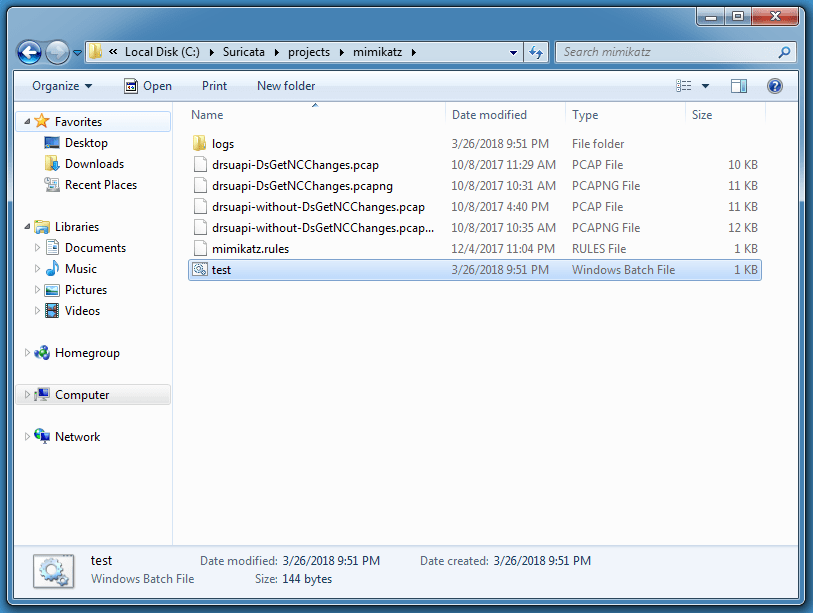
I use the following BAT file to start Suricata with my rules and my capture file:
“C:\Program Files (x86)\Suricata\suricata.exe” -c ..\..\suricata.yaml -S mimikatz.rules -l logs -k none -v -r drsuapi-DsGetNCChanges.pcap
pause
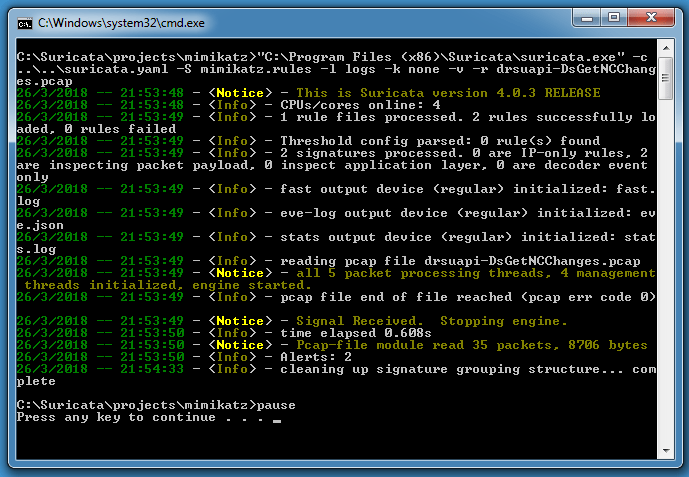
With option -S I use my rule file mimikatz.rules (exclusively, no other rule file will be loaded), option -l logs uses my local logs directory to write the log files, -k none disable checksum checks, -v means verbose and -r .pcap reads my capture file for processing by Suricata.
If you get this error:
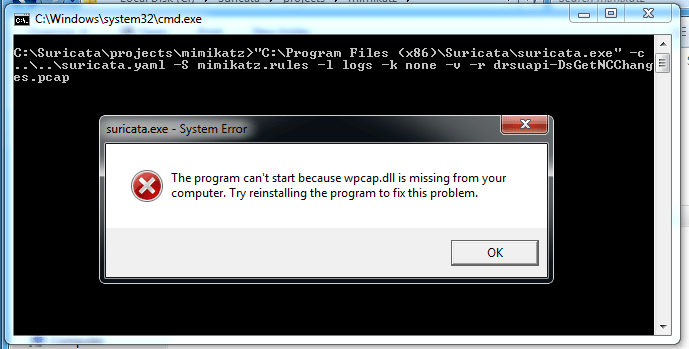
you need to install WinPcap. Here is the installation with default options:
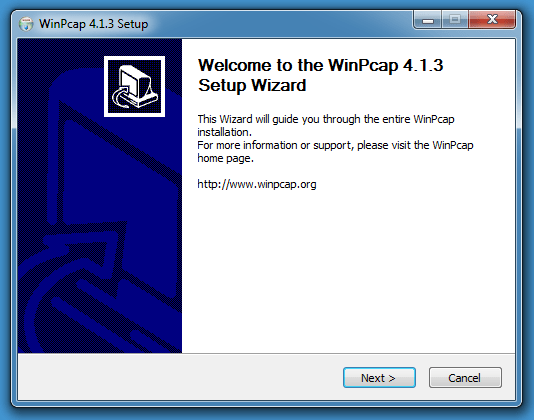
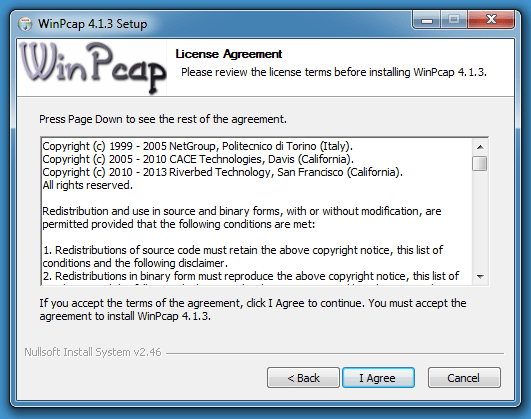
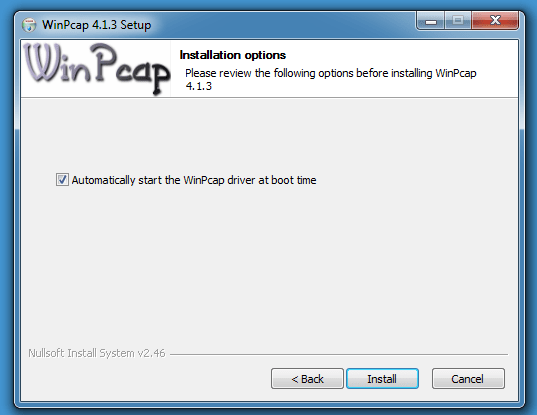
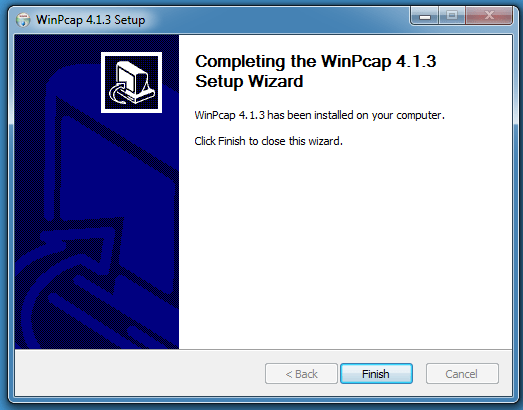
Then you will get output like this:
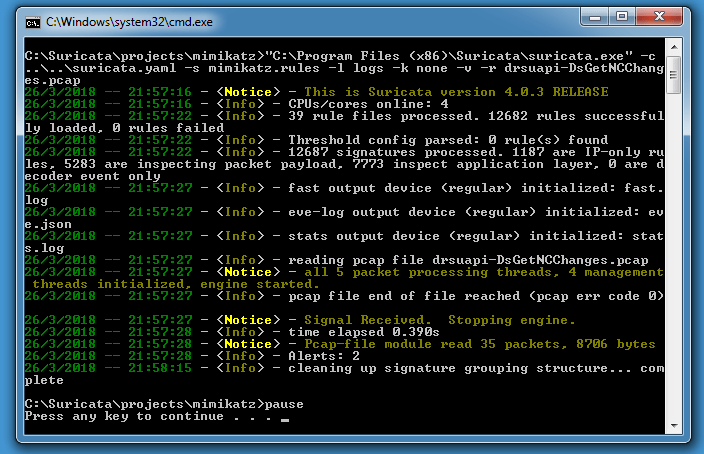
When you use option -s in stead of -S, your rule will be loaded together with the rules configured in the configuration file. This will give you warnings, because the rule files are missing:

You can download rules from Emerging Threats and extract the files from the rules folder to your C:\Suricata\rules folder.
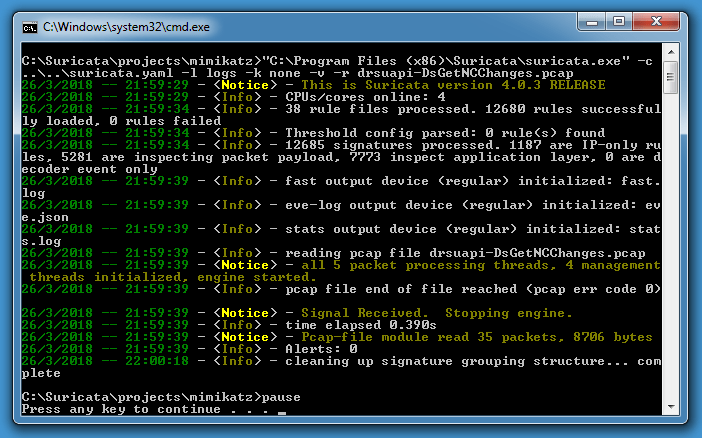
Of course, you can also process your capture file without explicit rule:
Please post a comment if you want to share your own preferred configuration options.
Here is an overview of content I published in February:
Blog posts:
YouTube videos:
SANS ISC Diary entries:
For NVISO, I’m providing Wireshark training at BruCON Spring 2018: Wireshark and Lua Programming.
In the following video, I show how to add comments to packets and capture files in Wireshark:
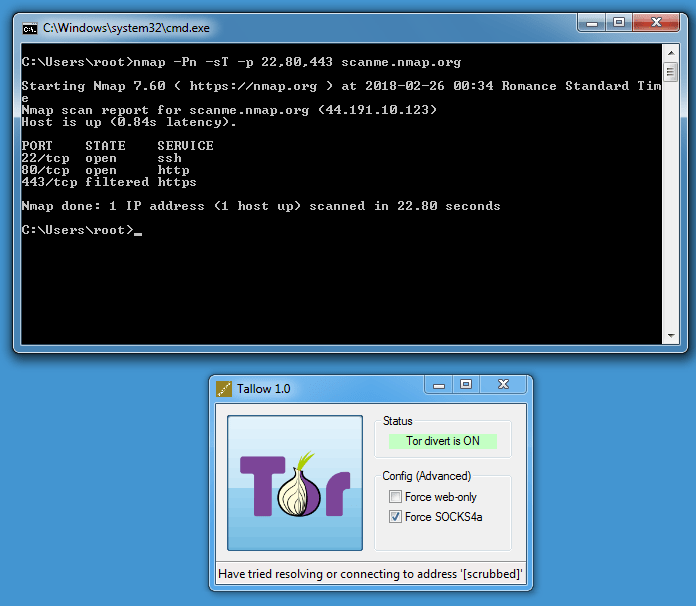
Here’s how I used nmap with Tallow on Windows, a transparent Tor proxy:
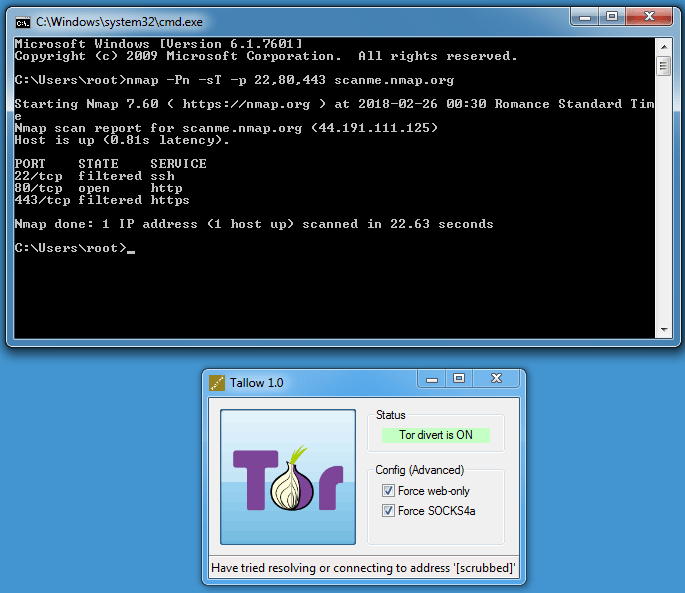
ICMP is not supported by the Tor network (hence -Pn) neither SYN scanning (hence TCP scanning -sT).
Flag “Force web-only” blocks all ports except 80 and 443, hence why port 22 is filtered.
This is a bug fix version.
pecheck-v0_7_2.zip (https)
MD5: 2A501CD2D15E1108B909B7FCEDFBDA13
SHA256: 9CACA5A41A84049FE6B0D5807A31B7FC5B1A5AC71B3FD3BE4EAC71A96BBDFB3E
This new version of oledump can output the content of all streams in JSON format, and has a new plugin for MSI files: plugin_msi.py.

oledump_V0_0_33.zip (https)
MD5: E5F879766B5C1C899E75E2F2A8ED9533
SHA256: 2B7C9565880F14E8A431F7819926EE801DE129458E682FAAF99FEF41AFA49934
I had to be sure that every 4th byte in a file was identical:
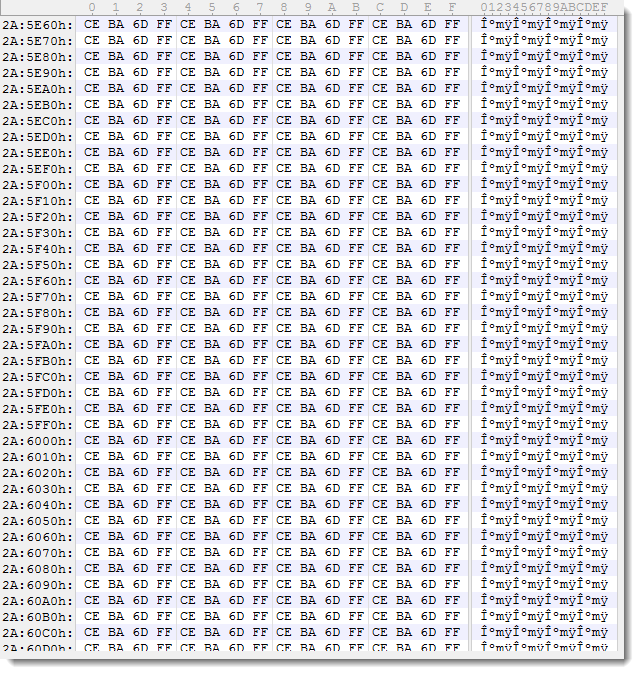
After some thinking, I thought I could use my translate program to select every 4th byte (position % 4 == 3) and then calculate byte statistics. But actually, translate.py can use a (complex) Python expression/program to translate each byte of a file, but it can not be used to select particular bytes. So I made a small change: if the Python expression used with translate.py returns value None (in stead of a numeric value), then the result is not send to output. This way, input bytes can be dropped/deleted.

translate_v2_5_3.zip (https)
MD5: F3C01FCA74A84F1712BAF187E9FE479F
SHA256: 4CA311456EDE5A43097D4E567F225CFF2A68D47B96A261FC935F2A0F1CD4EB0F
This is a bug fix version for bugs reported by different users, more details in history.
pdfid_v0_2_4.zip (https)
MD5: 36D5554BC881E7E21382ADA1305ED6F4
SHA256: C1DA287C9C06E3158F79CECF9C2E9A7773FC57FC92021F17B79DDD4B1E5DBB2A

 Didier Stevens