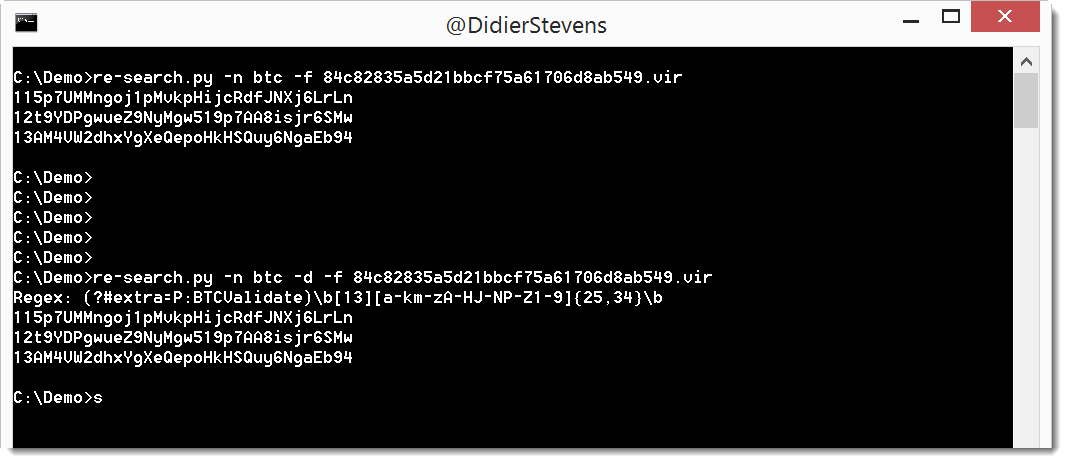
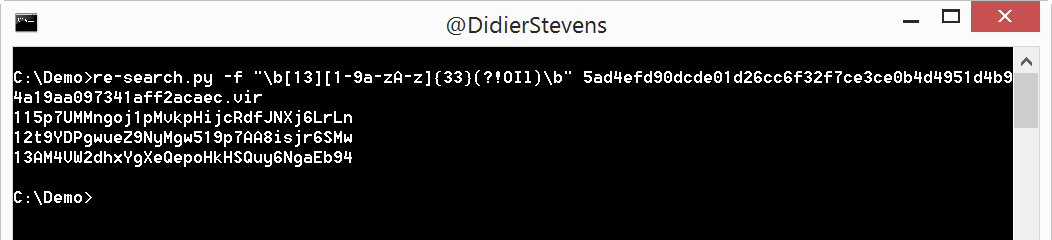
When I used my re-search.py tool to extract Bitcoin addresses from the latest WCry samples, I found a small bug. This version is a bugfix (bug introduced in version 0.0.4).
This inspired me to update my zipdump.py tool. This tool can handle password protected ZIP files. Using default password “infected”, or a password that can be provided with option -p.
In this new version, you can provide a list of password in a text file using option -P. Turns out that this simple dictionary attack just using Python is surprisingly quick (at least to me): 8000 passwords per second on an average machine.
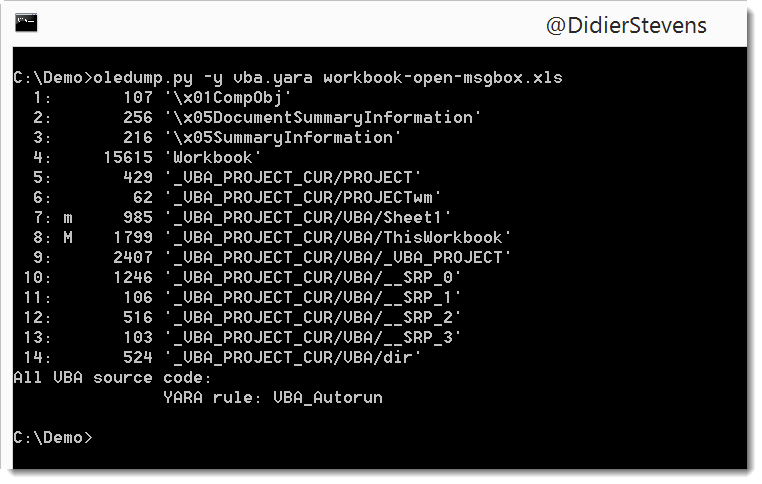
This new version of oledump.py adds some extra features for YARA rule scanning.
oledump.py declares 2 external variables that can be used in your YARA rules.
External variable streamname is a string with the stream name, as printed in oledump’s report.
External variable VBA is a boolean that is set to true when the data to scan is VBA source code. Previous versions of oledump would scan the raw stream content with YARA, but this new version also decompresses all streams with VBA macros, and concatenates them together to scan them after all streams have been scanned.
In stead of using an input filename, the content can also be passed in the argument. To achieve this, precede the text with character #.
If the text to pass via the argument contains control characters or non-printable characters, hexadecimal (#h#) or base64 (#b#) can be used.
Example:
translate.py #h#89B5B4AEFDB4AEFDBCFDAEB8BEAFB8A9FC “byte ^0xDD”
Output:
This is a secret!





 Didier Stevens