Didier Stevens

Saturday 30 January 2016

Update: xor-kpa.py Version 0.0.2

Filed under: Encryption,My Software,Update — Didier Stevens @ 8:48

I added support for ZIP files to xor-kpa.py.

If you pass a ZIP file to xor-kpa, it will analyze the contained file. The ZIP file can be password protected (password infected).

xor-kpa_V0_0_2.zip (https)
MD5: CA4DB797A7C12E3E81F55D9634EE77BF
SHA256: 76344E06A2C1F121D4CDD1B063DC109E59B9D2351BA5CFDDEE8613DCD220283B

Sunday 24 January 2016

Update: emldump.py Version 0.0.6

Filed under: Malware,My Software,Update — Didier Stevens @ 10:32

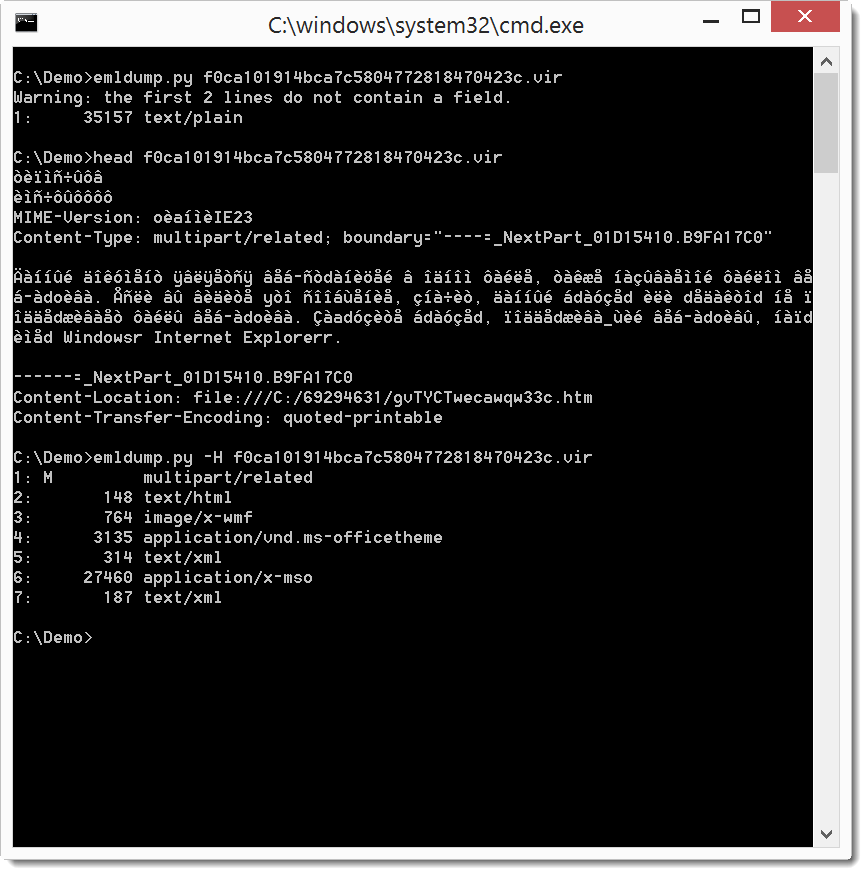
A small update to emldump.py to handle (intentionally) malformed MIME files.

20160124-112917

More details in my SANS ISC Diary entry “Obfuscated MIME Files”.

emldump_V0_0_6.zip (https)
MD5: 682793840D895E473647F2A1F85A9867
SHA256: D76BADF2A332C3417BB7DD46B783CE90757DD76648D2313083982BFD74902C41

Saturday 23 January 2016

Update: base64dump.py Version 0.0.4

Filed under: My Software,Update — Didier Stevens @ 17:51

A quick update: extended –cut option (like in oledump) and added option -w to ignore whitespace.

base64dump_V0_0_4.zip (https)
MD5: 5864B1AF997EBA6E5F6DD0C3B8ADBE56
SHA256: 1B01023A97361A9DBBB16B9D8851FFD757F03FA3964C0ED72067F9117F283992

Friday 22 January 2016

BlackEnergy .XLS Dropper Puzzle

Filed under: Malware,Puzzle — Didier Stevens @ 0:00

Over at the ISC diary I posted an entry with a puzzle to help you to practice the extraction of an embedded file in a spreadsheet.

This is the image I embedded:

Waterlogue-2016-01-11-20-13-29

Wednesday 20 January 2016

Overview of Content Published In December

Filed under: Announcement — Didier Stevens @ 17:58

Here is an overview of content I published in December:

Blog posts:

YouTube videos:

Videoblog posts:

SANS ISC Diary entries:

Thursday 7 January 2016

BlackEnergy .XLS Dropper

Filed under: maldoc,Malware — Didier Stevens @ 0:00

I’m providing a 2-day training at Brucon Spring Training 2016: “Analysing Malicious Documents“.

I analyzed the spreadsheet (97b7577d13cf5e3bf39cbe6d3f0a7732) used in the recent BlackEnergy attacks against Ukrainian news media and electric industry.

numbers-to-hex_V0_0_1.zip (https)
MD5: 9050768633DDADF34900DAB0061F3B24
SHA256: 00B099F3939251F2027F2705AD08AE352C0FC447C86EB3271721FB2935CF71B6

hex-to-bin_V0_0_1.zip (https)
MD5: 18FC870888B333D8B081CE3E31428A1B
SHA256: 17B4257C6951C792FFE64EDDDFF20674AD07DE2699EF066BDF7A548DA09E6592

Saturday 2 January 2016

Update: shellcode2vba.py Version 0.4

Filed under: My Software,Shellcode,Update — Didier Stevens @ 13:33

shellcode2vba.py is a Python program to create VBA code to inject shellcode. This new version has 3 new options:

Option –nocreatethread allows you to instruct the program not to add the VBA code to create a new thread.

Option –writememory: from now on, the VBA code uses RtlMoveMemory in stead of WriteProcessMemory. To use WriteProcessMemory, use option –writememory process

Option –start allows you to specify the name of the start function (ExecuteShellCode by default).

shellcode2vba_v0_4.zip (https)
MD5: DA1580DEF5B5CFF08ACF5FA921AF0822
SHA256: BDC0A5EC3E918B3DA27C392E1B2F909B7BDAD319C43A4250689DD38C81FF876F

Friday 1 January 2016

XOR Known-Plaintext Attack

Filed under: Encryption,My Software — Didier Stevens @ 16:00

To celebrate my Microsoft MVP award 2016, I’m releasing a new XOR-tool. Because you can never have enough XOR-tools in your toolbox :-).

When data is XOR-encrypted with a repeating key and you known some of the plaintext, you can perform a simple known-plaintext attack. Because when you XOR the ciphertext with the plaintext, you recover the key-stream.

With “repeating key” I mean the following: let’s assume that the encryption key is “Secret”. Then the first byte of the plaintext is XORed with “S”, the second byte with “e”, the third byte with “c”, …, the sixth byte with “t”. And for the seventh byte, we start again with “S”, then for the eighth byte again with “e”, …

When we know some of the plaintext, for example the beginning of the file, and we XOR this with the ciphertext, we obtain the key-stream: SecretSecretSecretSec It’s simple to extract the repeating key (Secret).

I’ve written a small Python program that automates this process: xor-kpa.py.

As an example, I’ve XORed the notepad.exe program with a key. We know that PE files contain the string “This program cannot be run in DOS mode”, this string is store in text file plaintext.txt. This is how you use xor-kpa:

C:\Demo>xor-kpa.py -e 3 plaintext.txt notepad-ciphertext.exe
Key:       Password
Extra:     30
Keystream: rdPasswordPasswordPasswordPasswordPass

This result shows that the recovered keystream is “rdPasswordPasswordPasswordPasswordPass”, and that the repeating key is “Password”. Extra (30) is the difference between the keystream length (38) and the key length (8). The higher the value of extra is, the higher the confidence is we recovered the correct key. When Extra is only 1, the confidence is low. To properly recover the key, the known-plaintext must be longer than the key.

With option -e you can filter for the minimum value of Extra.

Since the known-plaintext can often be a a short ASCII string, you can provide it directly as an argument in stead of writing it in a text file. To achieve this, just precede the argument with character #, like in this example (the double quotes are necessary because of the space characters):

C:\Demo>xor-kpa.py -e 3 "#This program cannot be run in DOS mode" notepad-ciphertext.exe
Key:       Password
Extra:     30
Keystream: rdPasswordPasswordPasswordPasswordPass

xor-kpa_V0_0_1.zip (https)
MD5: 4265BB1AFCD470A98070FFBDFCB1B52A
SHA256: CF41CEDE7281459FA47061B366AA9B4A5F579CC9BA46E73098B52EA8CAB6E816
Tuesday 29 December 2015

SHA256 Code Signing and Microsoft

Filed under: Encryption — Didier Stevens @ 10:28

In a couple of days Windows will no longer trust sha-1 code-signing. It happened in the past that Microsoft announced changes to AuthentiCode, and then did not follow though, but it looks like this one is going to happen.

First of all, the loss of trust will not happen for all executables with a sha-1 signature. It will only happen with executables with a “Mark of the Web” attribute and without a timestamp or a timestamp after 1/1/2016.

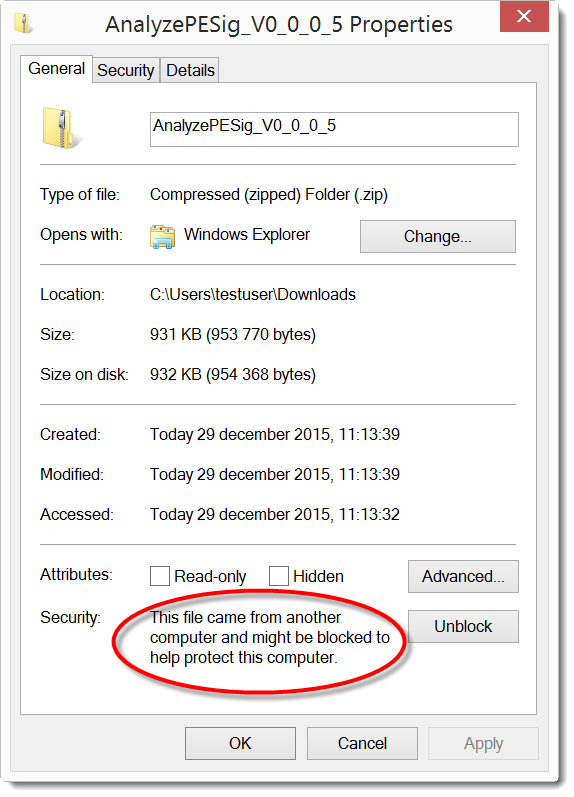
A “Mark of the Web” attribute means that the executable is flagged as downloaded from an untrusted source (the Internet), like this one:

20151229-111600

This is done with an Alternate Data Stream (ADS) named Zone.Identifier and with content like this:

[ZoneTransfer]
ZoneId=3

If you develop executables that will be downloaded and you sign with a sha-1 certificate, check that you also include a timestamp. As I explained in my blogpost, you can add a missing timestamp after signing. You don’t even need a code signing certificate to add a timestamp.

Monday 28 December 2015

Maldoc GET Range

Filed under: maldoc,Malware — Didier Stevens @ 13:06

I’m providing a 2-day training at Brucon Spring Training 2016: “Analysing Malicious Documents“.

I analyzed a malicious document (365a04140b3abe71c6cb4248d5bbbb57a172f37fe878eec49dc90745f5c37ae3) that does something I hadn’t seen done before in VBS.

This maldoc drops a VBS script, that proceeds to download an executable. The PE file is XOR-encoded and embedded in a valid JPEG file. Here is the image:

20151228-135434

Look at the obfuscated code:

20151228-135746

Notice SetRequestHeader: This code is using HTTP and is adding something to the headers. Here is the deobfuscated code:

20151228-140004

This code is downloading a picture (wp.jpg), but not the complete picture. It sets a header (Range: bytes=28141-) to download only the XOR-encoded PE file hidden in the JPEG image.


« Previous PageNext Page »

Blog at WordPress.com.