This update of what-is-new-.py, my tool that reports what lines inside files are new (e.g., never seen before) has a new option: -a –action. It allows me to launch a command when something new is detected.
I use this for example to be alerted via TelegraM; More details in an upcoming blog post.
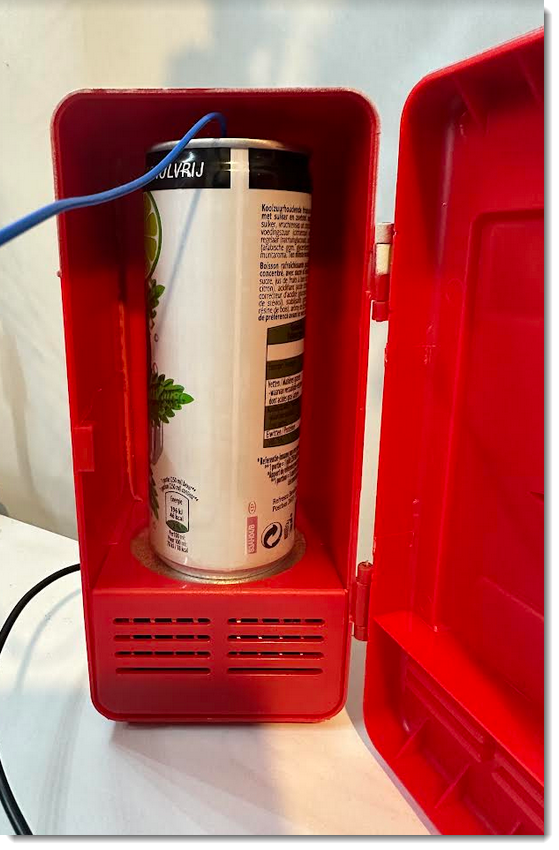
I did the following test: overnight, I let the fridge run for 12 hours. It contained an Aluminum can filled with water at room temperature (around 17° C).
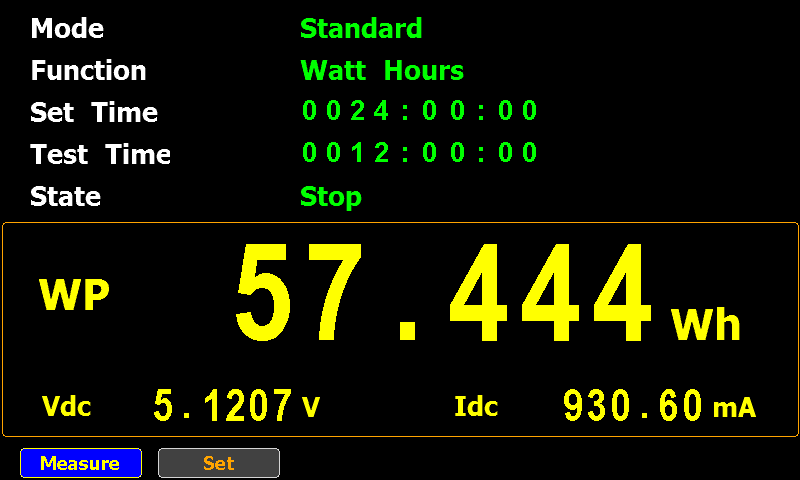
I used a power meter to measure the electric energy consumption, and a multimeter with a thermocouple (type K) to measure the water temperature. The thermocouple was at the bottom of the water, not touching the bottom of the can.
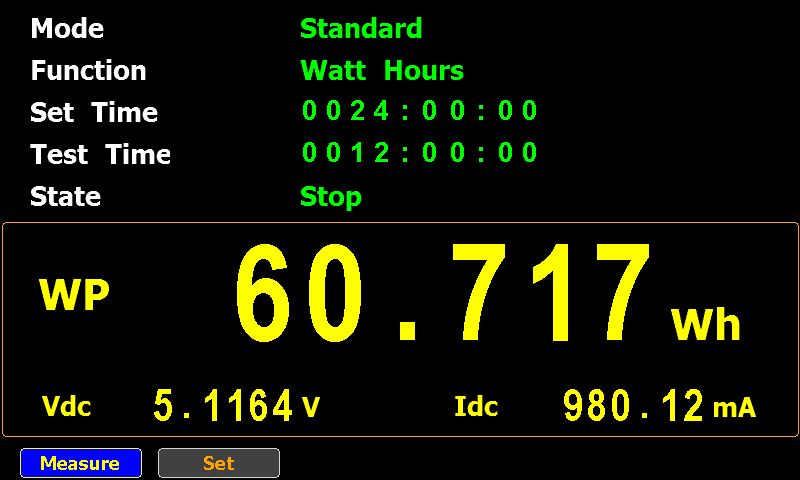
The USB fridge consumed 60.717 Wh over that period, and the water temperature (at the bottom) was around 14.7 °C when I stopped the test. After the test, I moved the thermocouple to the top of the water, and there the temperature was 16.9 °C.
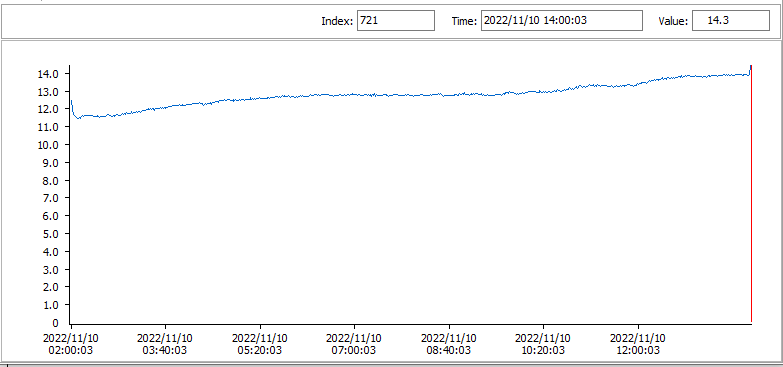
My multimeter logged the temperature every 60 seconds, resulting in this chart:
Notice that the first 12 minutes, the temperature rises a bit, and then starts to lower (I’ll do more experiments to try to figure out why it rises first). And then, when the cooling starts, it gradually slows down. Around 8 hours 45 minutes into the test, the water temperature reaches 14.80 °C and from then on barely changes.
The can is coolest at the bottom, as can be observed in this thermal image:
More pictures:
You don’t get much cooling from this USB fridge for the amount of energy it takes. I didn’t RTFM, so maybe its purpose is not to cool a can from ambient temperature down to a nice cool drink, but to keep a can cooled in a real fridge, cool when it’s sitting on your desk.
It’s average standby electrical power consumption is 236,46 mW. Standby means: I plug the adapter into an electrical outlet (230V) without connecting any device for charging.
I imagine that for a travel adapter, standby consumption is not that important, as one would use it only occasionally.
I created a .docm file with the following vba code:
I extracted the vbaProject.bin file from the OOXML file (.docm).
First, I removed all the compiled VBA code from stream 3. -s 3c selects the compiled code stored in VBA stream 3.
I open a copy of vbaProject.bin with a binary editor, and search for the bytes of the compiled code. And I set them all to 0x00.
Then at position 0x40 inside that stream, I write this ASCII test: “Cleaned by your favorite anti-virus!”.
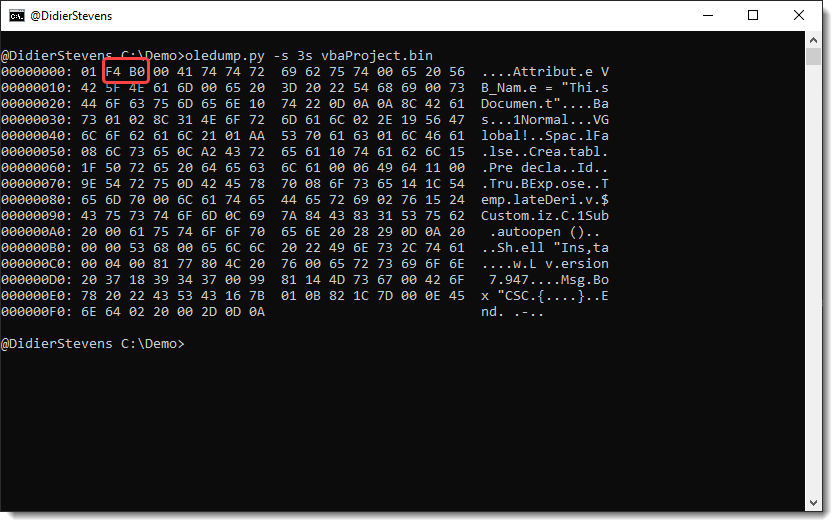
Next I will shorten the compressed VBA source code. This is the compressed VBA source code (selected with 3v):
Value F4B0 is a little-endian integer: 0xB0F4. B are some flags, F4 is the length of the chunk of compressed VBA code. F4 hexadecimal is 244 decimal. I shorten this by 206 bytes. Thus I replace F4 with 26 (with a binary editor).
The result is that now, only the first line is readable, followed by some gibberish:
And to get rid of the gibberisch, I also shorten the length of the stream. It is 1380 bytes long:
That’s 64 05 00 00 (representation for a 32-bit little-endian unsigned integer).
I subtract 204, thus 1380 – 204 = 1176. Or 98 04 00 00. I use again the binary editor to make this change.
Result:
How did I find the values to subtract? Educated guessing and trial and error. Why 2 different subtractions? Because that was also the case in the original sample that inspired me.
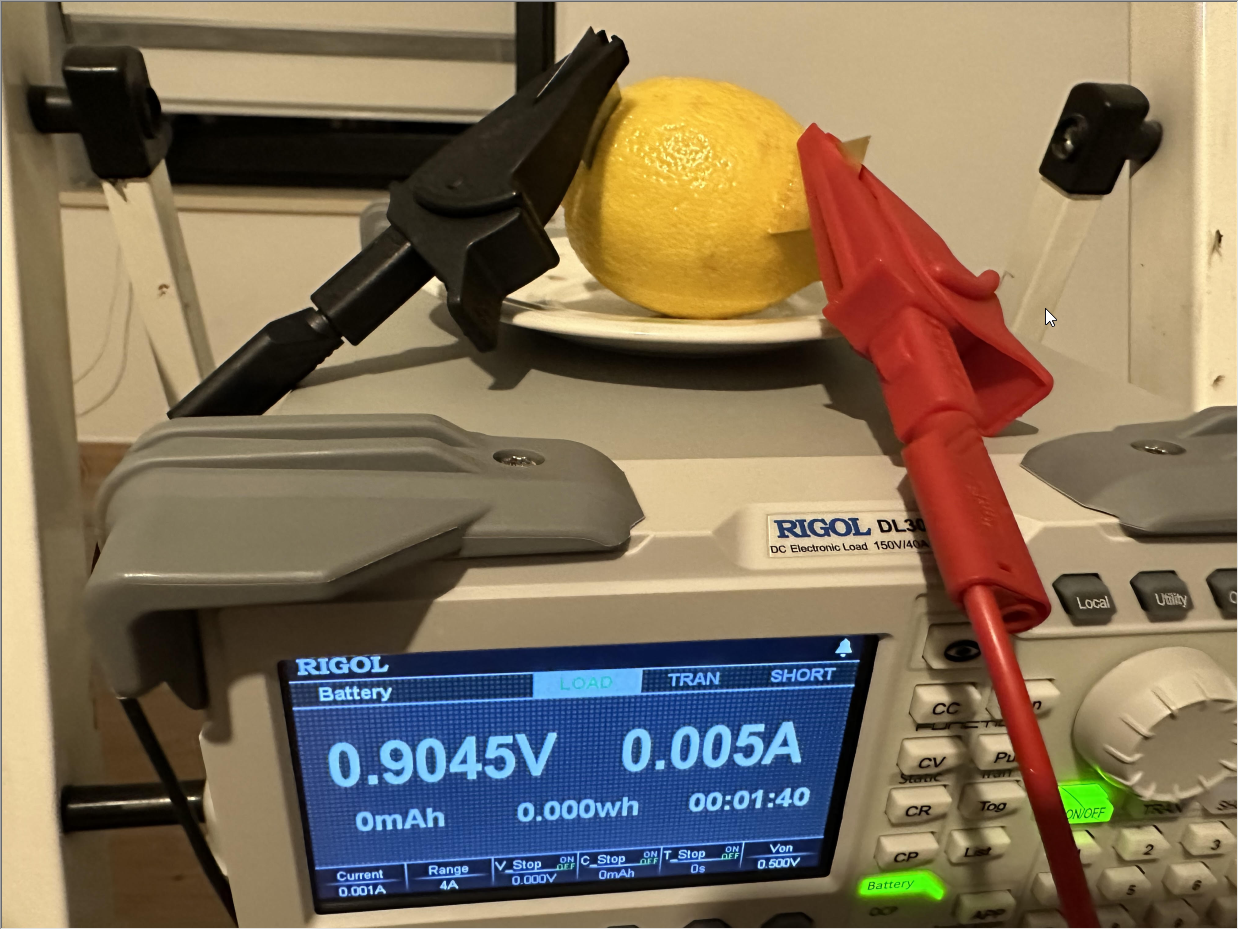
I took a lemon, inserted a zinc and copper piece of metal (a couple centimeters deep) and connected an electronic load to draw 1 mA of current.
I let it run for a couple of hours until no more measurable current flowed.
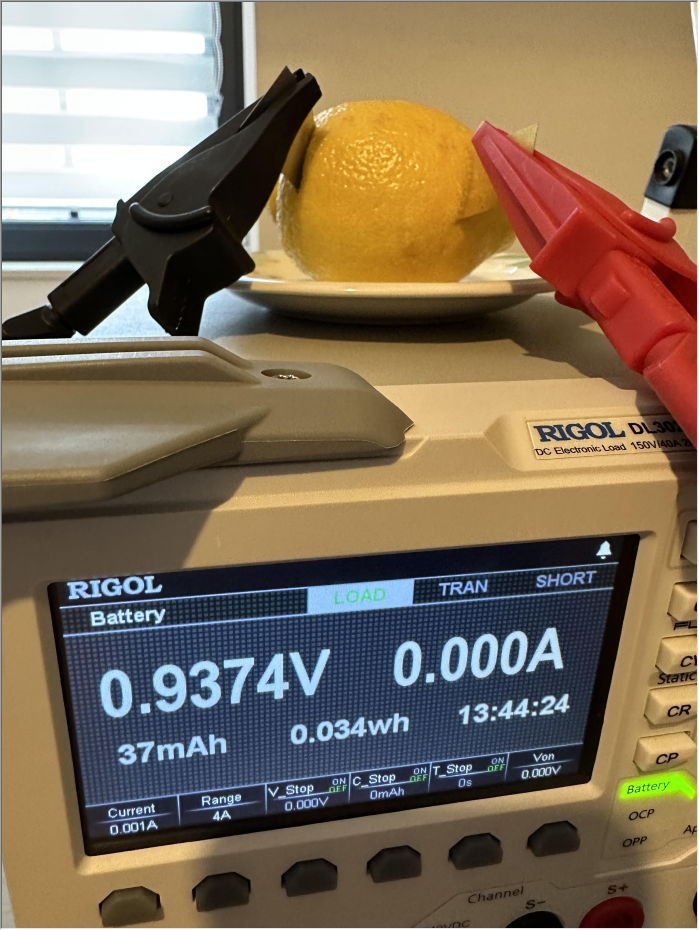
The electronic load dissipated 0,034 Wh of electrical energy over that period. Hence, we can assume that the lemon battery delivered 0,034 Wh.
I’m sure the lemon battery could deliver more energy, by “resetting” it: cleaning the electrodes, inserting them in another place in the lemon, …
After a bit of searching through the web, I’m going to assume that a typical smartphone nowadays has a battery of 10 Wh. So we would need 294 times (10 Wh / 0,034 Wh) the electrical energy delivered by my lemon battery to charge a smartphone.
Except that, the 0,9 V that the lemon battery does deliver, is by far not enough to be able to charge via the USB interface. We need 5V, so, 5,555… lemon batteries connected in series.
On the screenshot above, you can also see that 37 mAh was measured. Notice that you can not compare this to the mAh rating of a (smartphone) battery, because both values involve different voltages.
Comparing this to a button cell like a CR2032 (Dutch Wikipedia article, because there’s no English Wikipedia article): the CR2032 has a 225 mAh electrical charge (on average) and a 2.0 discharge voltage. That’s 225 mAh * 2.0 V = 450 mWh. Or 13 times more than my lemon battery (34 mWh).
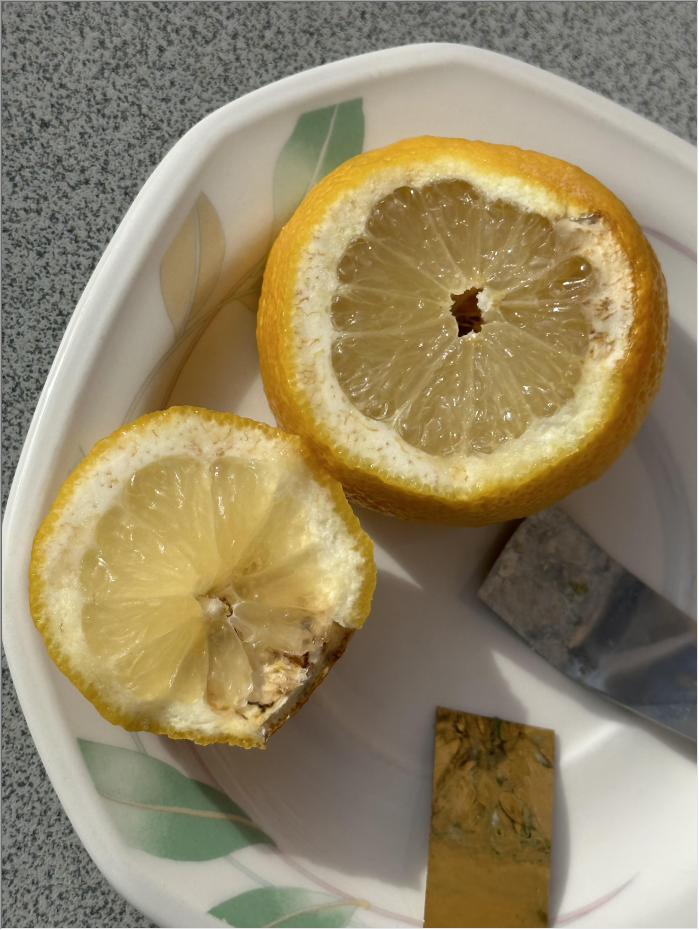
Here are more pictures of the lemon after the experiment (one week later):













 Didier Stevens