Compiling C/C++ programs with Microsoft’s command-line compilers is possible, even if you don’t have Visual Studio installed. You can do this with the Build Tools for Visual Studio 2017 (a free download).
Go to https://visualstudio.microsoft.com/downloads/ and download the Build Tools:

The downloaded file does not include the build tools, but it’s a stager that will download the necessary build tools. It requires .NET, you might get an error if the proper version is not installed:

Installing the correct .NET framework will fix this problem:

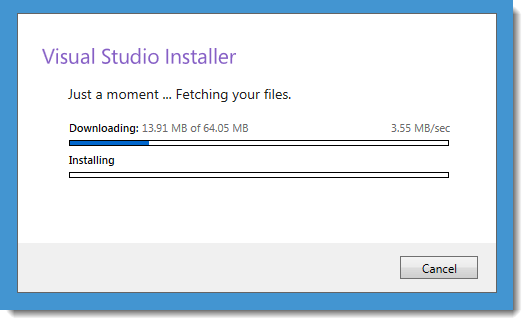
Once this download is completed, you can get to the actual installer where you choose the tools you want:

I selected the Visual C++ build tools, a download of about 1 GB:
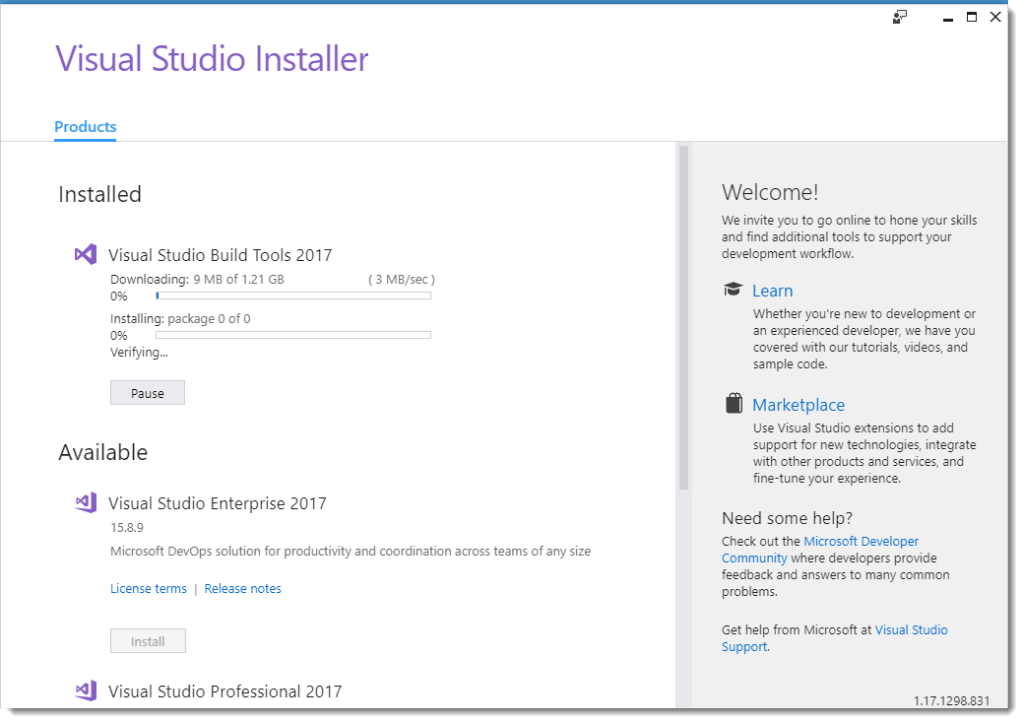
Once the build tools are installed, you can open a shell via the start menu:

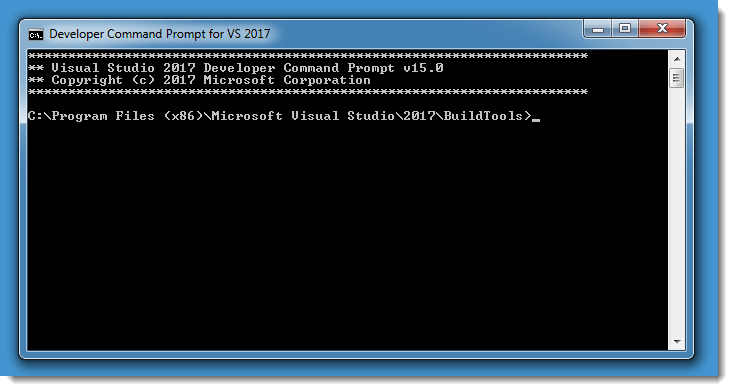
The C/C++ compiler is invoked with command cl:

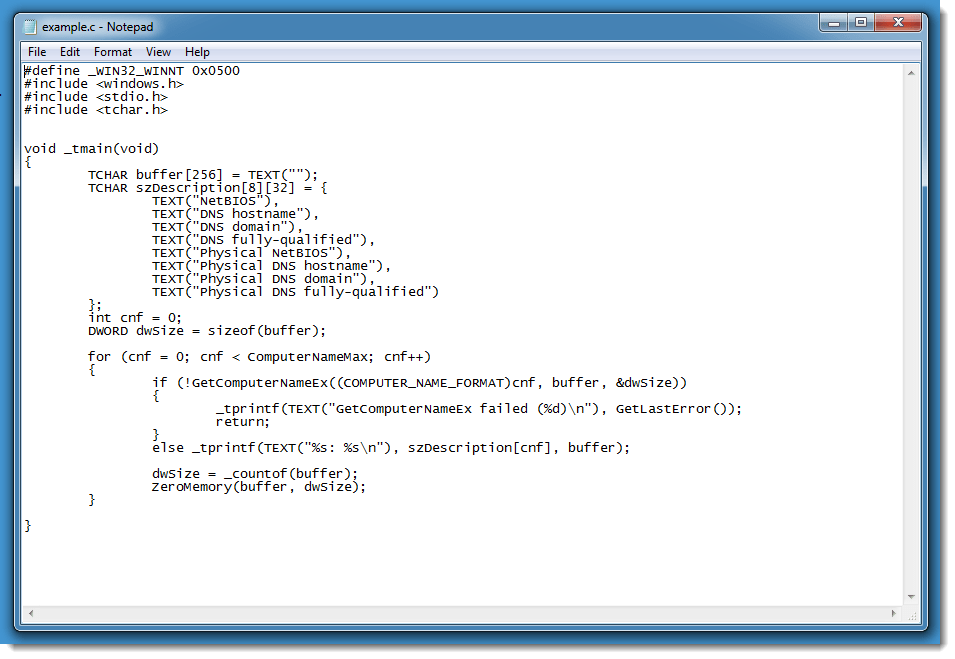
As an example, I’m compiling the following program:


 Didier Stevens
[…] Quickpost: Compiling with Build Tools for Visual Studio 2017 […]
Pingback by Overview of Content Published in November | Didier Stevens — Sunday 2 December 2018 @ 12:32
Great help for me! Thank you so much!
Comment by Anonymous — Friday 27 December 2019 @ 14:50